
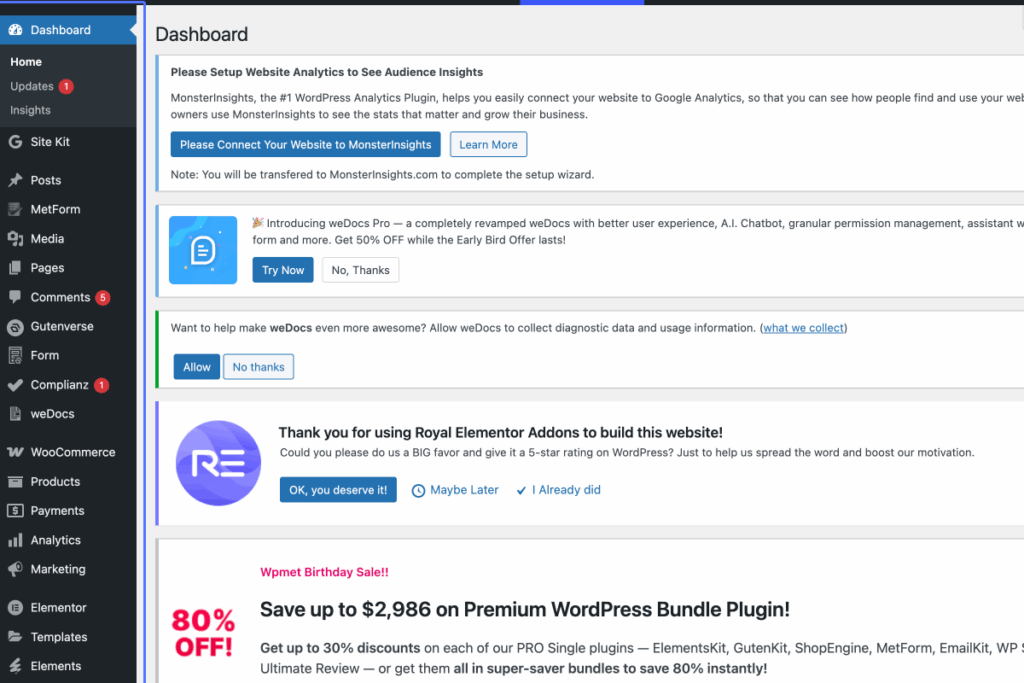
Click on “Dashboard Home Updates 1 Insights Site Kit Dashboard Settings Posts All Posts Add Post Categorie…”
Start urlhttps://sesfikilewines.com/wp-admin/index.php
Tab Name: Dashboard ‹ Ses’fikile — WordPress
2
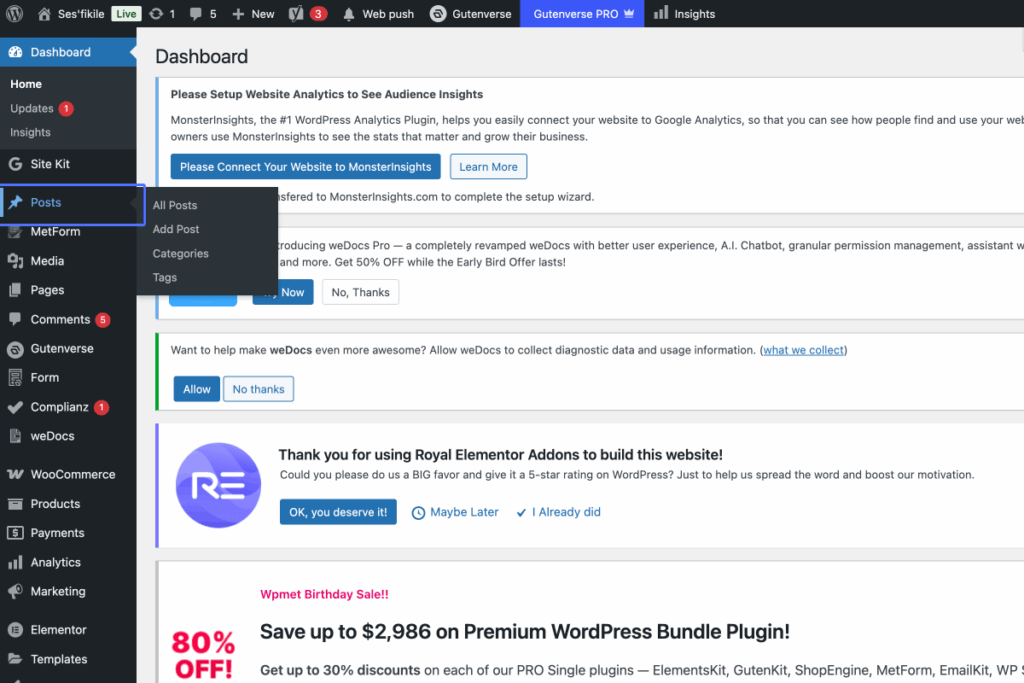
Click on the link “Posts”
3
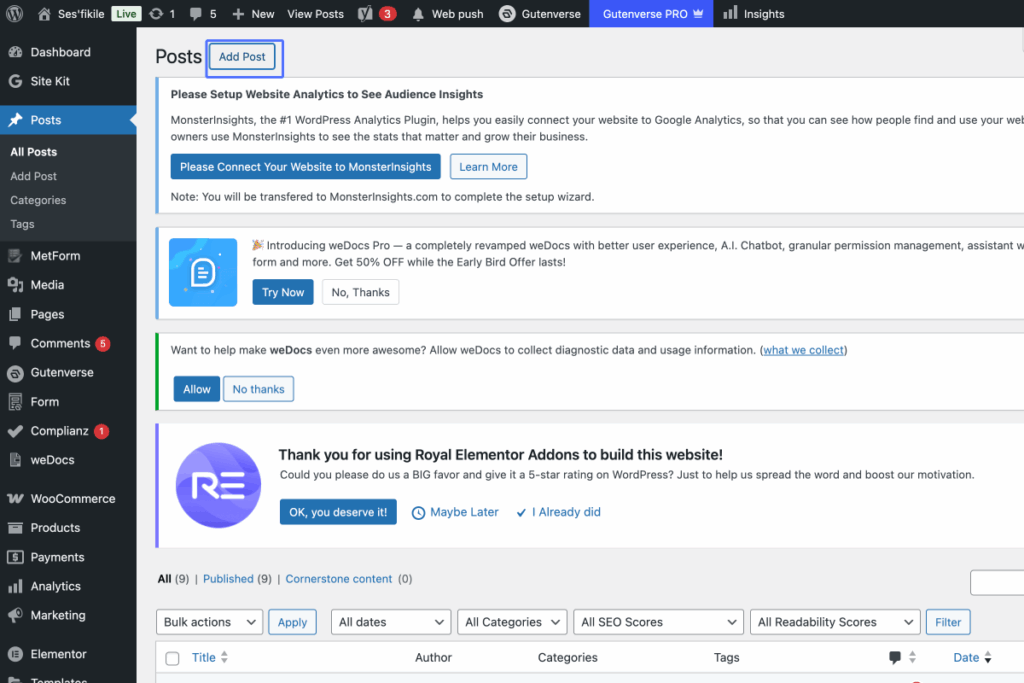
Click on the link “Add Post”
Tab Name: Posts ‹ Ses’fikile — WordPress
4
Click on “Example”
Tab Name: Add Post ‹ Ses’fikile — WordPress
5
Click on the button “Type / to choose a block”

6
Click on “text here”

7
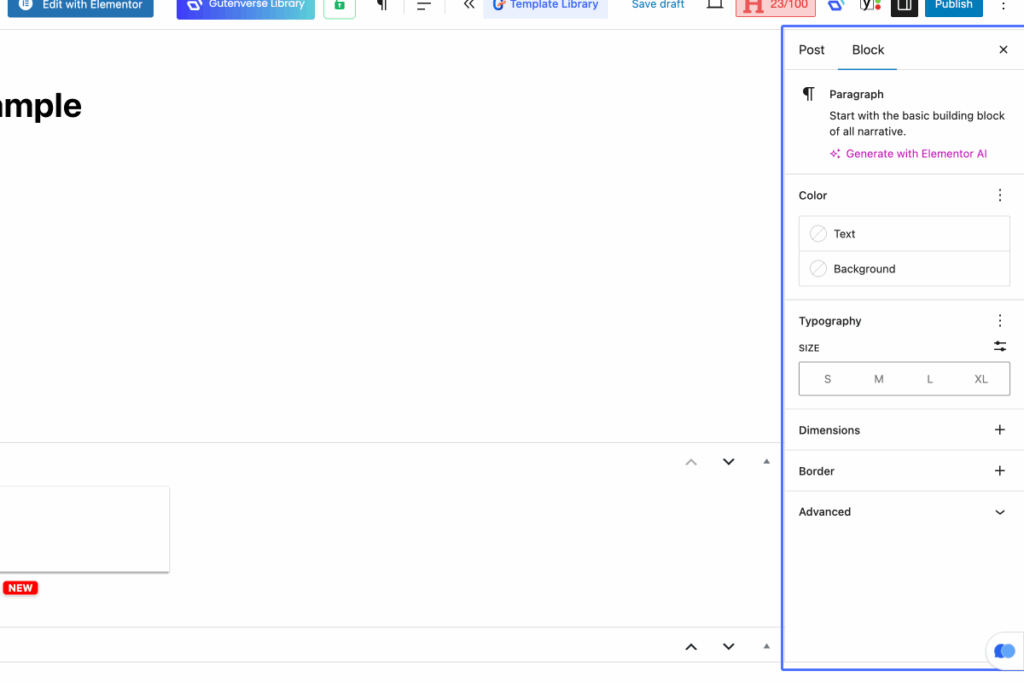
Click on “Post Block Paragraph Start with the basic building block of all narrative. Generate with Elementor A…”
8
Click on the button “Post”

9
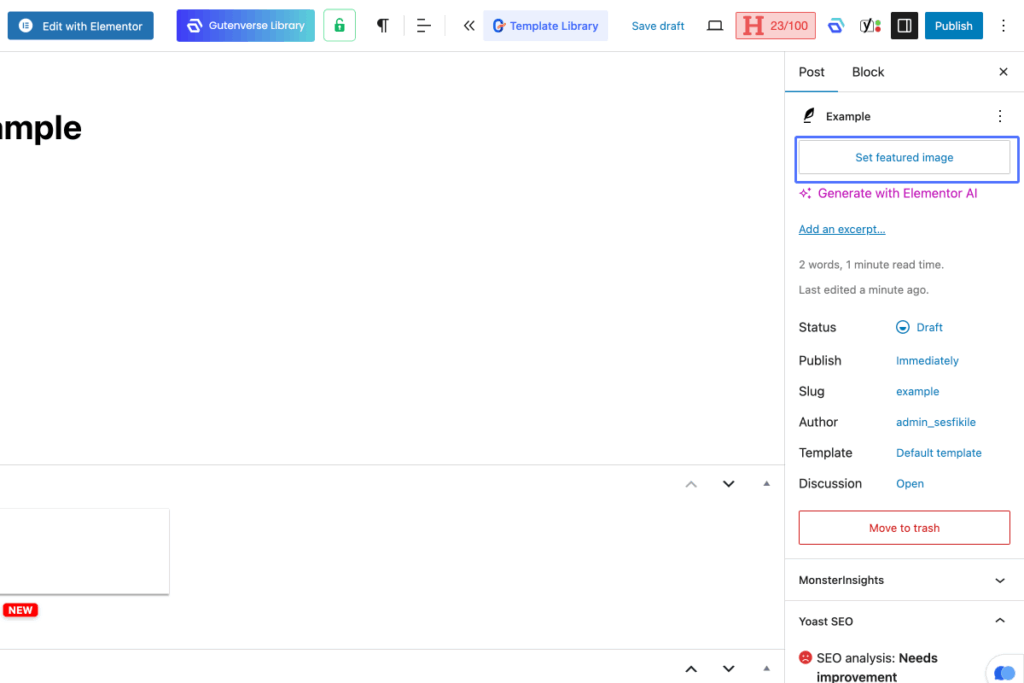
Click on “Example Set featured image Generate with Elementor AI Add an excerpt… 2 words, 1 minute read time. L…”

10
Click on the button “Set featured image”
11
Click on “Upload files Media Library Envato Elements”

12
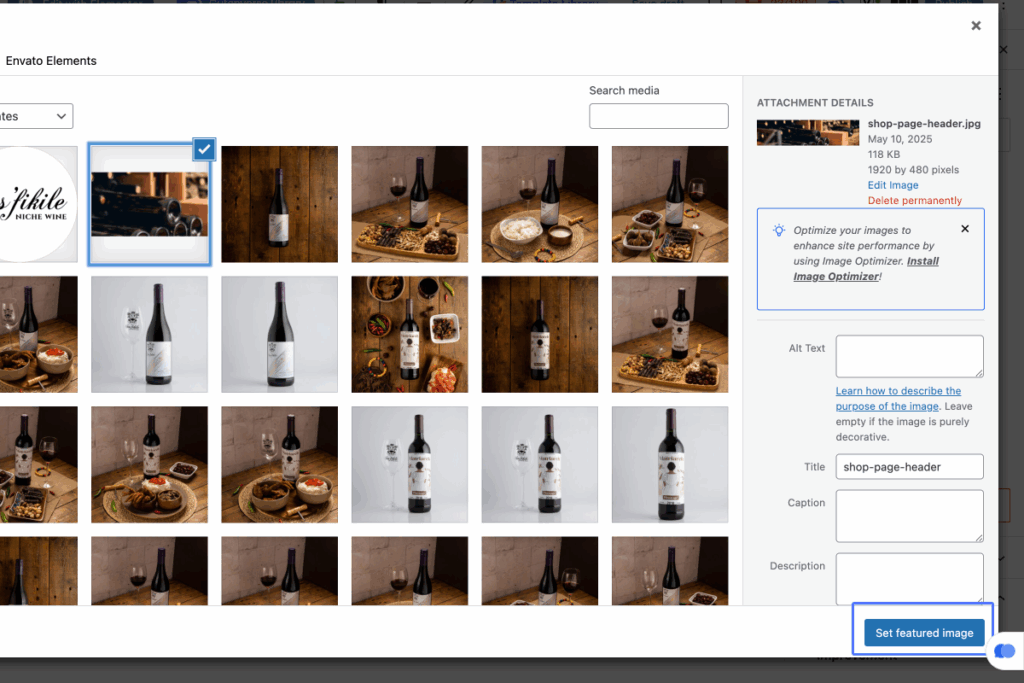
Click here

13
Click on “Set featured image”
14
Click on “Save draft 23/100 Publish”
