
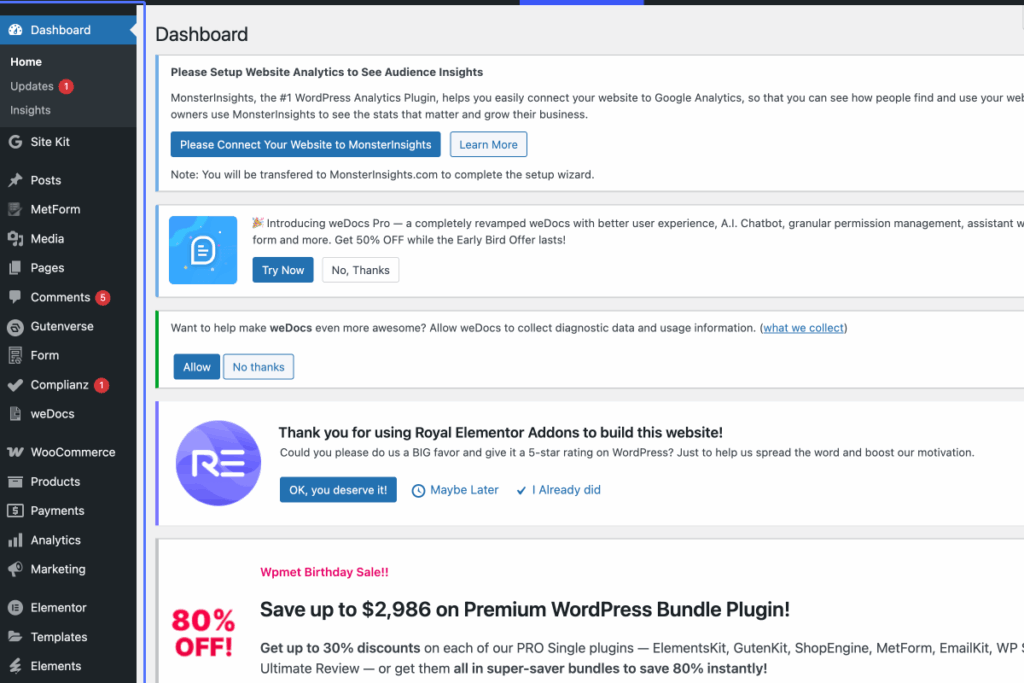
Click on “Dashboard Home Updates 1 Insights Site Kit Dashboard Settings Posts All Posts Add Post Categorie…”
Start urlhttps://sesfikilewines.com/wp-admin/index.php
Tab Name: Dashboard ‹ Ses’fikile — WordPress
2
Click on the link “Users”

3
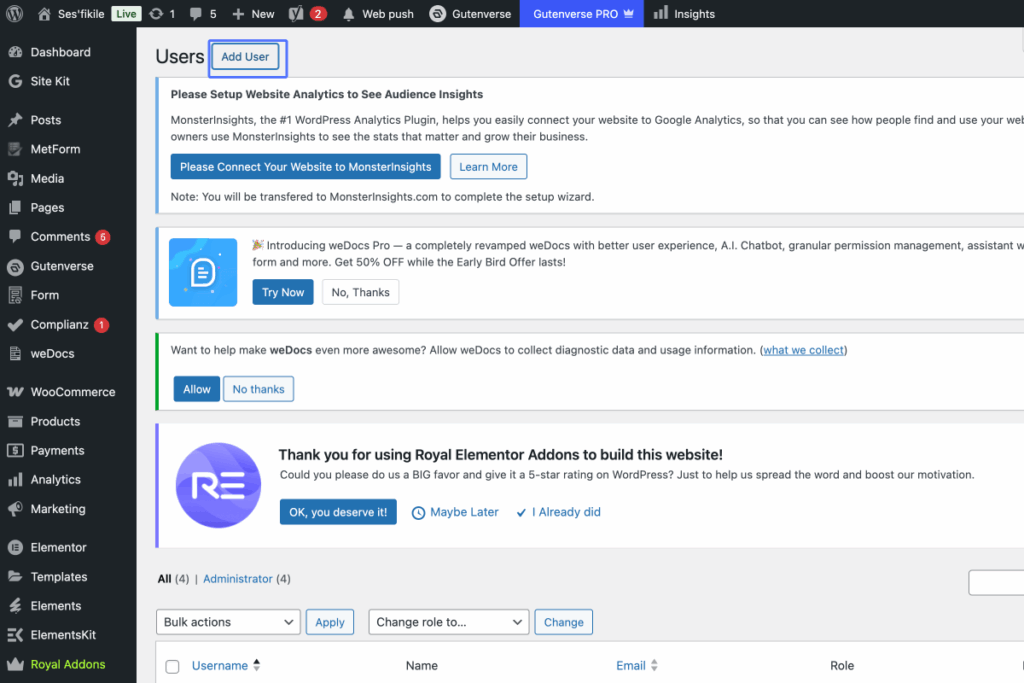
Click on the link “Add User”
Tab Name: Users ‹ Ses’fikile — WordPress
4
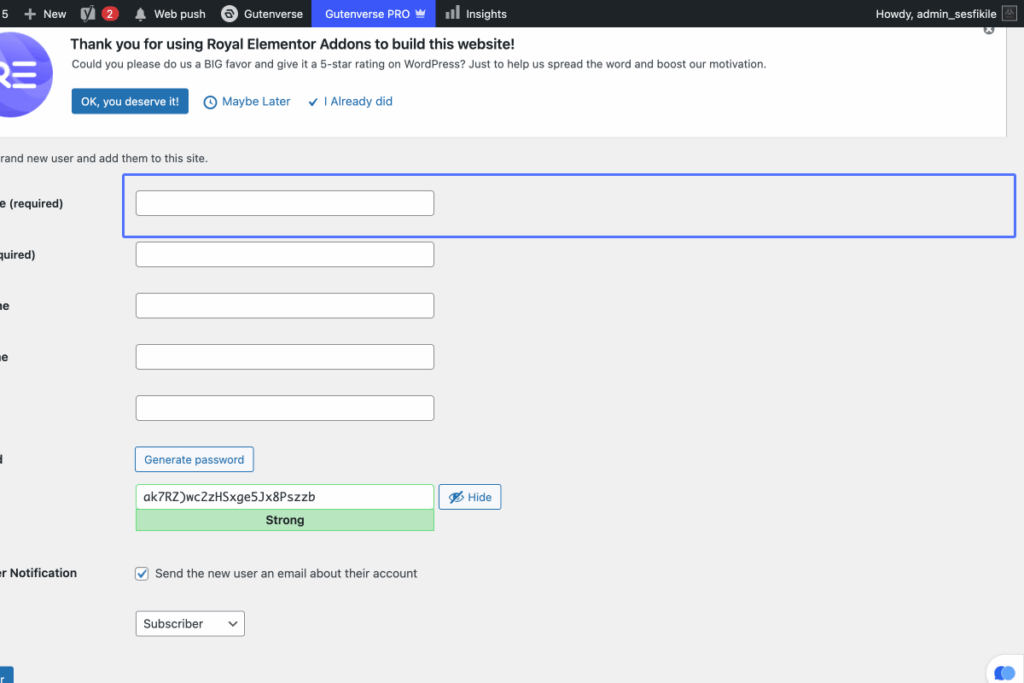
Click on “Username (required)”
Tab Name: Add User ‹ Ses’fikile — WordPress

5
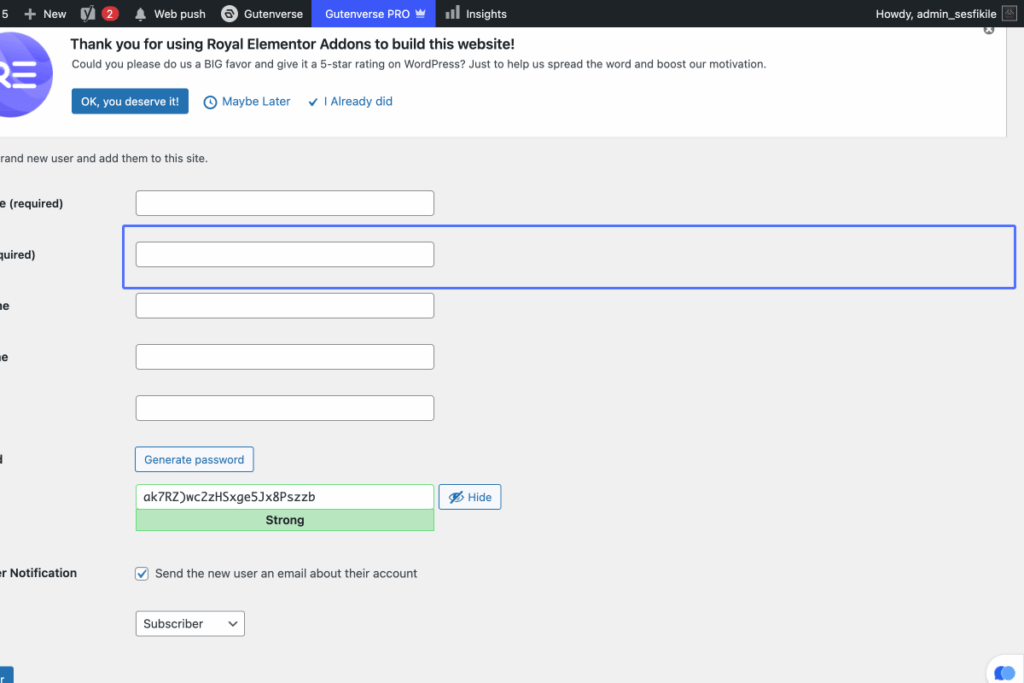
Click here
6
Click here
7
Click here

8
Click here
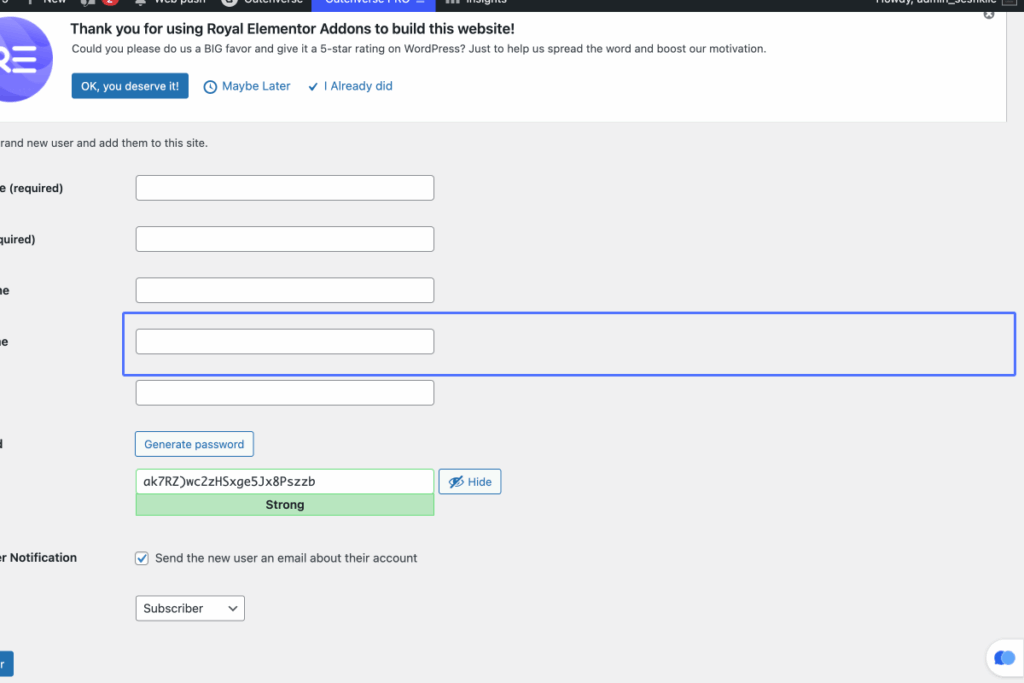
9
Click on “Generate password Strong Hide”

10
Click on the checkbox “Send the new user an email about their account”
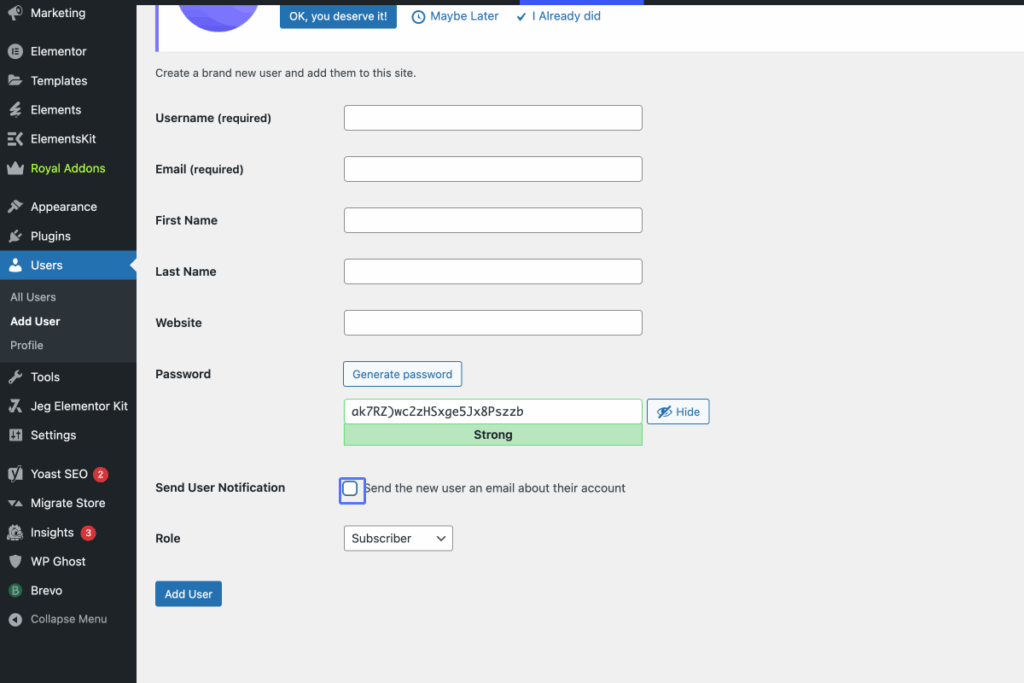
11
Click on “SEO Editor SEO Manager Shop manager Customer Subscriber Contributor Author Editor Administrator”

12
Click here
